Travel Memories
Frame beach days, café stops, and city snapshots with matching cream borders and place names.
Instant-film warmth, right from your camera roll.
Turn your favorite photos into Polaroid-style pictures with Snapatoo's online Polaroid maker. Choose a classic instant photo border, add a nostalgic film filter, and personalize your print with handwritten captions or dates. Download free without watermarks.
 Polaroid Maker
100% browser-based editor. Snap with your camera or upload photos — nothing leaves your device.
Pick a classic instant-film proportion before adjusting your crop, paper color, and handwritten caption.
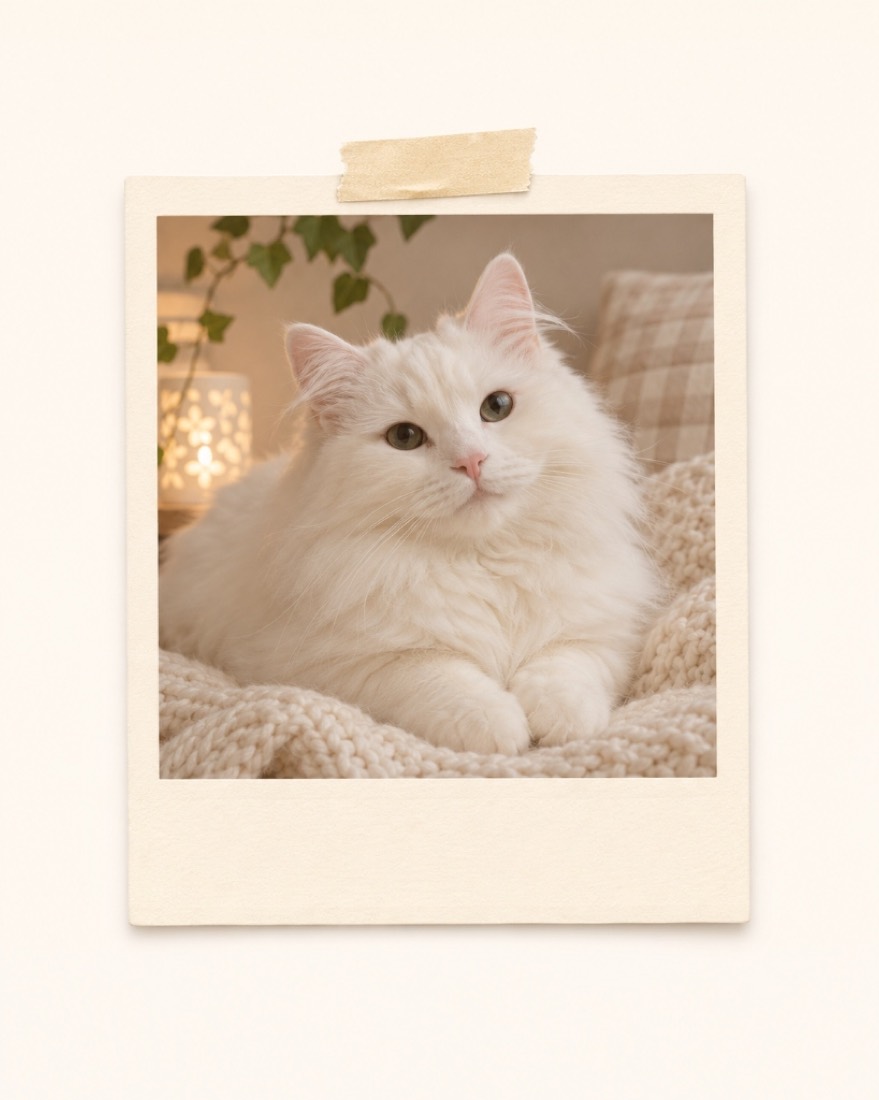
A near-square instant frame with a generous bottom margin for handwritten notes and dates.
A compact vertical proportion inspired by pocket instant prints — ideal for portraits and phone cases.

A clean landscape instant frame built for travel snapshots, group selfies, and scenic memories.
Create an instant-film keepsake from any photo in three quick steps.
Choose a picture from your phone or computer and position it inside the frame.
Pick Classic, Mini, or Wide, try a vintage film filter, and write a caption or date.
Save your watermark-free JPG or transparent-background PNG locally in one tap.
Compare film-inspired color, faded contrast, and monochrome on the same portrait — zero generative AI redrawing.

Keep the true colors of your original photo untouched.

Balanced color with a clean, soft instant-film finish.

Golden highlights and fine analog film grain.

Muted tones and softly lifted creamy shadows.

Crisp pastel blue tones for a clean, airy print.

Timeless monochrome with natural tonal depth.
Need to layer your Polaroid over a digital journal, scrapbook spread, or Instagram Story? Select the transparent checkerboard swatch under Background and export as PNG — the area outside your Polaroid border stays 100% clear with no awkward rectangular backdrop.
Turn everyday snapshots into instant-style keepsakes.
Frame beach days, café stops, and city snapshots with matching cream borders and place names.
Turn your favorite selfies and spontaneous moments into a cohesive set of instant prints.
Pair a small photo with a handwritten date or short note to remember the day.
Create a personal keepsake with a favorite picture and a meaningful handwritten caption.
Collect your pet's funniest expressions and everyday adventures in classic instant borders.
Use the compact Mini proportion to print an instant-style keepsake sized for a clear phone case.
Snapatoo is an independent photo tool and is not affiliated with Polaroid, Fujifilm, or Instax.
Fast, upload-only instant-film framing built for everyday phone photos and journals.
Pick a photo straight from your camera roll with no camera permission popups or signup.
Switch between authentic instant-film ratios while keeping your subject framed cleanly.
Write a short note along the wide bottom border or keep it minimal and blank.
Export with a transparent outer background to layer Polaroid prints onto digital scrapbooks.
Save clean high-resolution JPG or PNG Polaroids with no mandatory logo.
Your personal pictures are framed locally in your browser without server uploads.
Upload your picture to Snapatoo, choose a Classic, Mini, or Wide instant-style frame, and adjust the zoom or position. Add a film filter or handwritten caption if you like, then download the finished image.
Yes. Snapatoo is free to use in your browser with no signup, no app download, and no watermark on your finished Polaroid-style pictures.
Yes. Use any digital photo from your phone or computer. Snapatoo adds a digital instant-photo border and film-inspired color tones — no physical instant camera is needed.
Upload your photo, select Classic, Mini, or Wide under Layout, and reposition or zoom the image inside the frame. Pick white, cream, black, or pastel paper borders and optionally add a date or caption.
Try Warm Film or Creamy Fade with subtle grain and a warm cream paper border. All filters process your original photo directly without using generative AI to redraw faces.
Polaroid i-Type film is approximately 88.5 × 107.5 mm overall, with a 79 × 77 mm image area. Digital frames use similar proportions, and your print settings determine the final physical size.
Classic Polaroid i-Type film has a near-square image area, while Fujifilm Instax Mini measures 54 × 86 mm overall with a vertical 46 × 62 mm image area. Snapatoo's Classic, Mini, and Wide layouts are inspired by these proportions.
Yes. Select the transparent checkerboard swatch under Background in the editor and export as PNG — the area outside the Polaroid border stays completely clear for layering in journals or stories.
Yes. Every download is completely watermark-free, and you can edit or turn off the bottom caption anytime.
Yes. Photo framing, cropping, and filters run 100% locally in your browser. Snapatoo does not upload your original photos to any server.