Best Friends: The Bestie Strip
- Smile cheek to cheek.
- Make matching peace signs.
- Look at each other and laugh.
- Finish with a close hug.
Four poses, one little memory.
Make your own Korean 4-cut photo strip right in your browser with your camera or four uploaded photos from your gallery. Pick a Korean-inspired frame, try soft portrait filters, and download for free with no signup, no watermark, and no server upload.
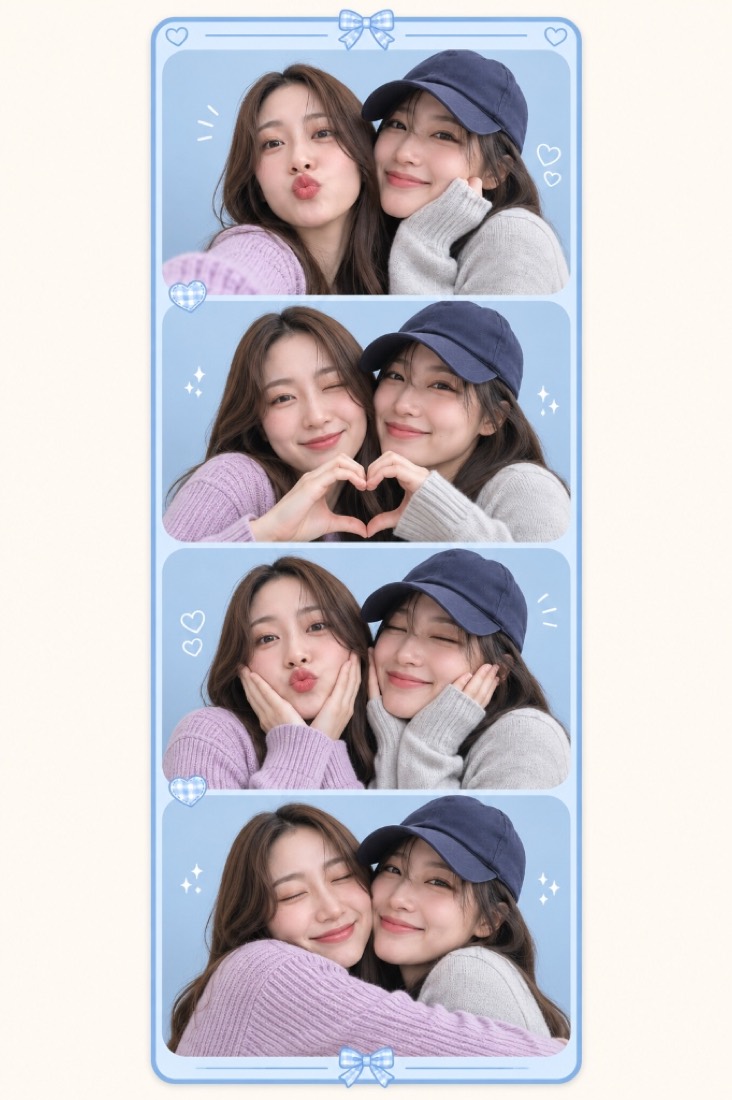 Photo Booth
100% browser-based editor. Snap with your camera or upload photos — nothing leaves your device.
Give your four-cut strip the clean look of a Korean self-photo studio with original four-cut templates — tap any frame to load it directly in the editor.
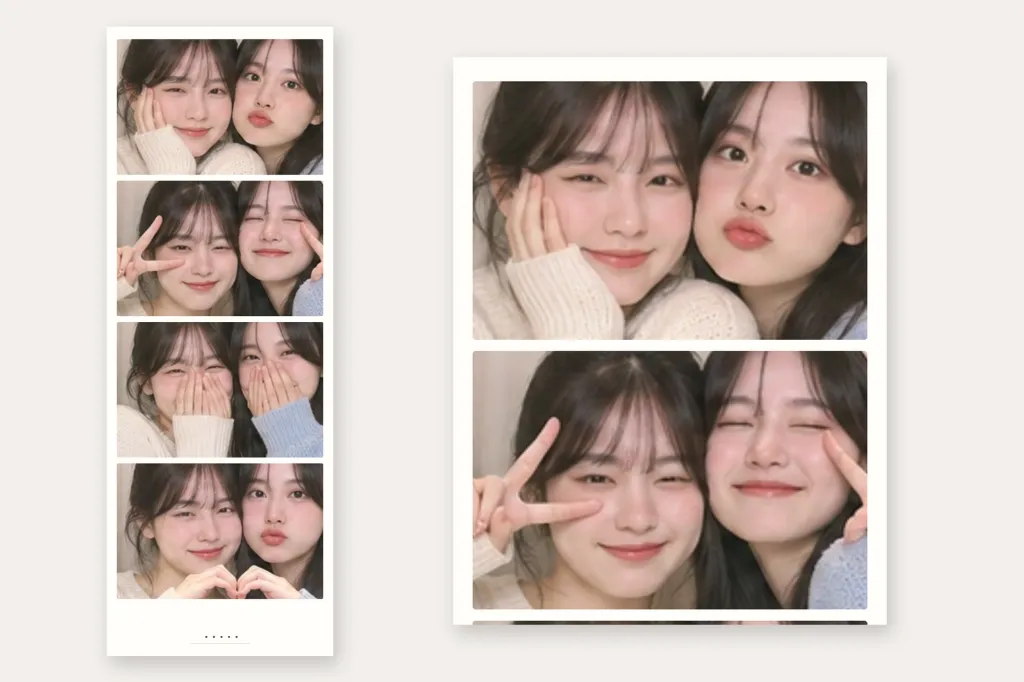
Clean white borders and a simple date stamp for an understated studio finish.
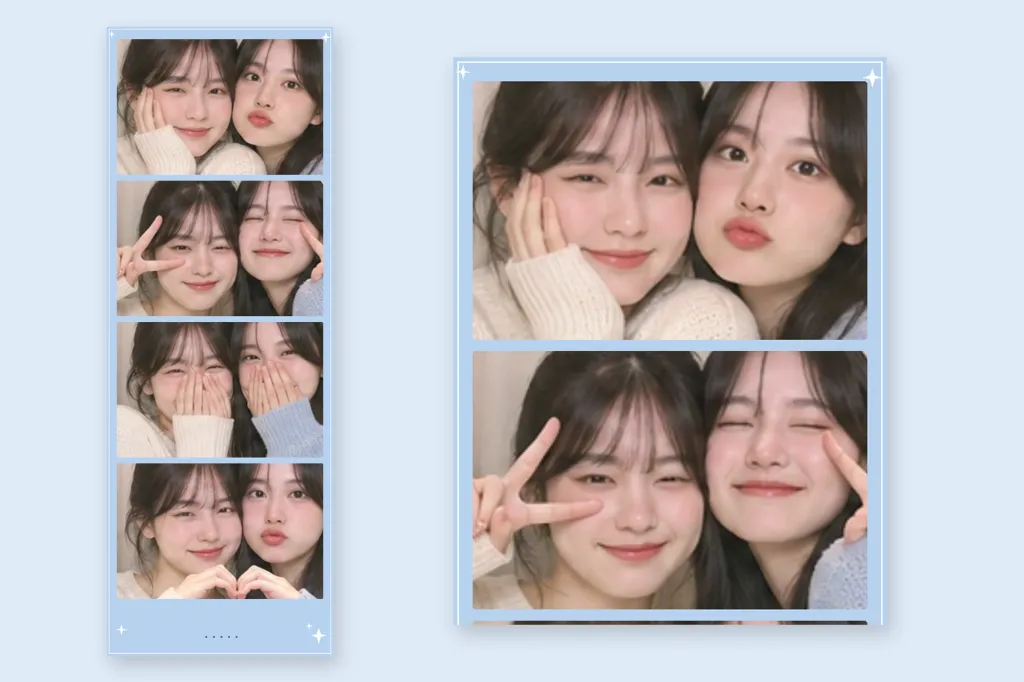
A powder-blue border that pairs well with cool-toned portraits and matching denim outfits.
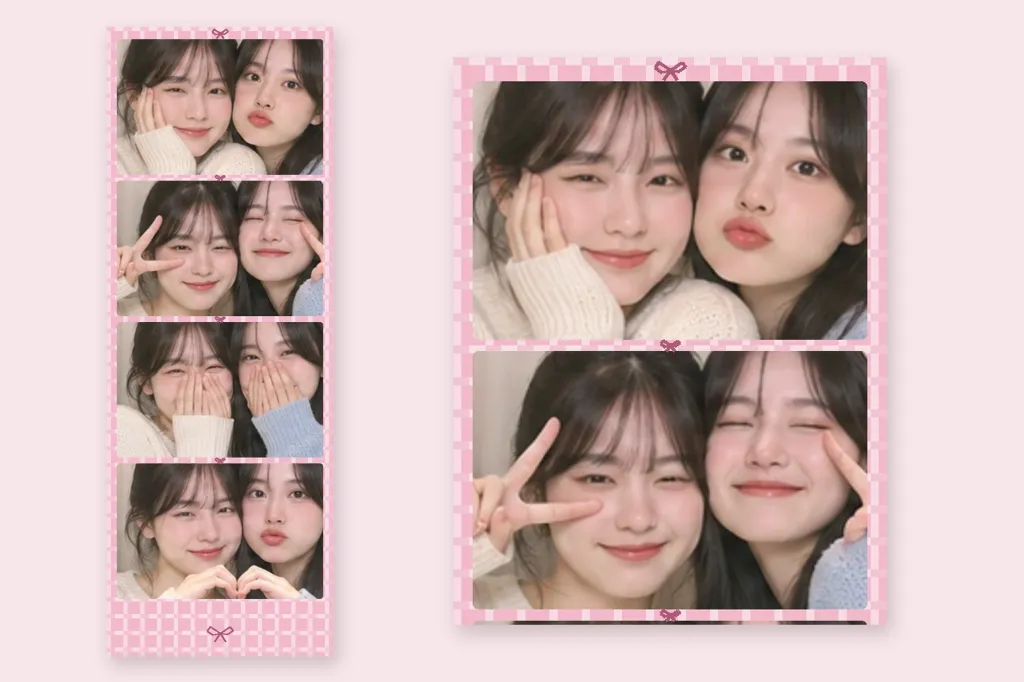
Delicate pink gingham and tiny bow accents for a sweet, playful four-cut strip.
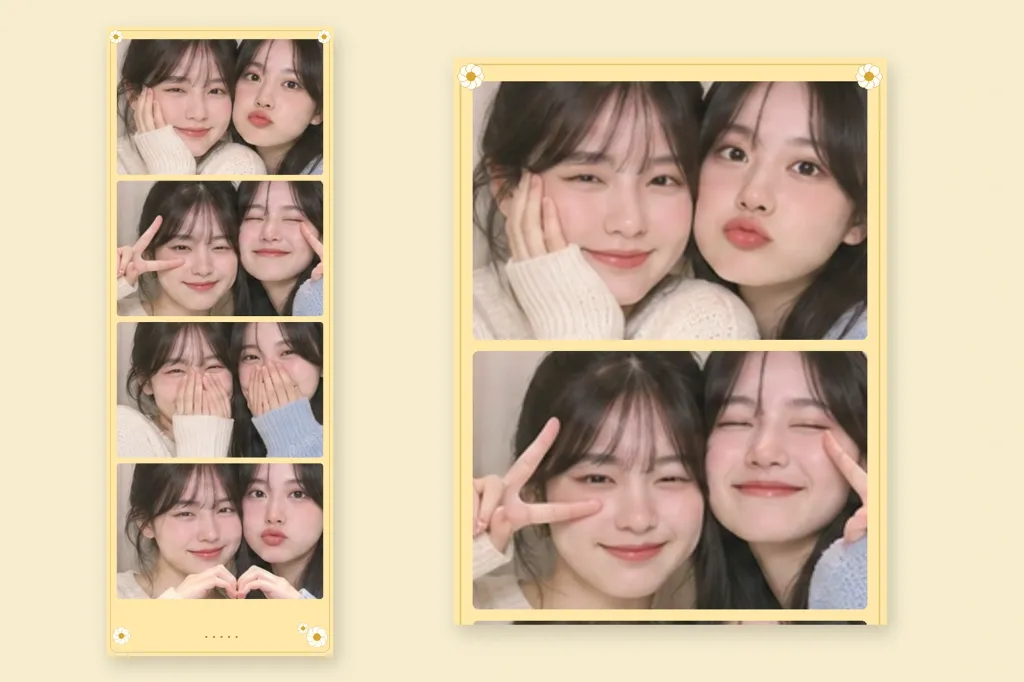
A warm ivory frame with tiny daisy details that blends naturally with everyday outfits and soft light.
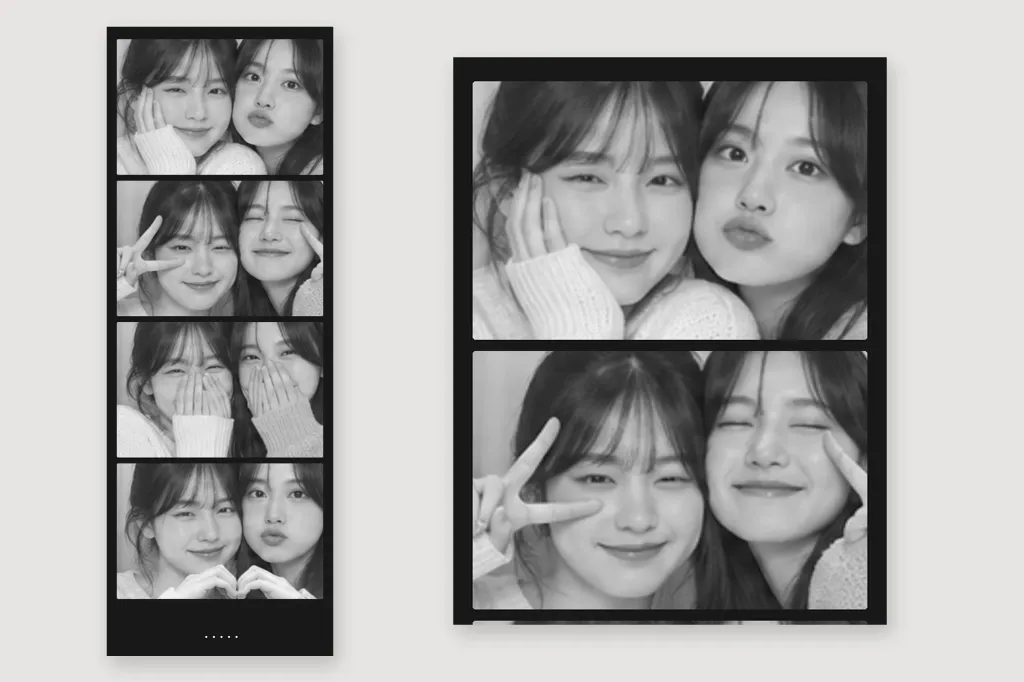
A crisp black border framing high-contrast monochrome portraits for a timeless finish.
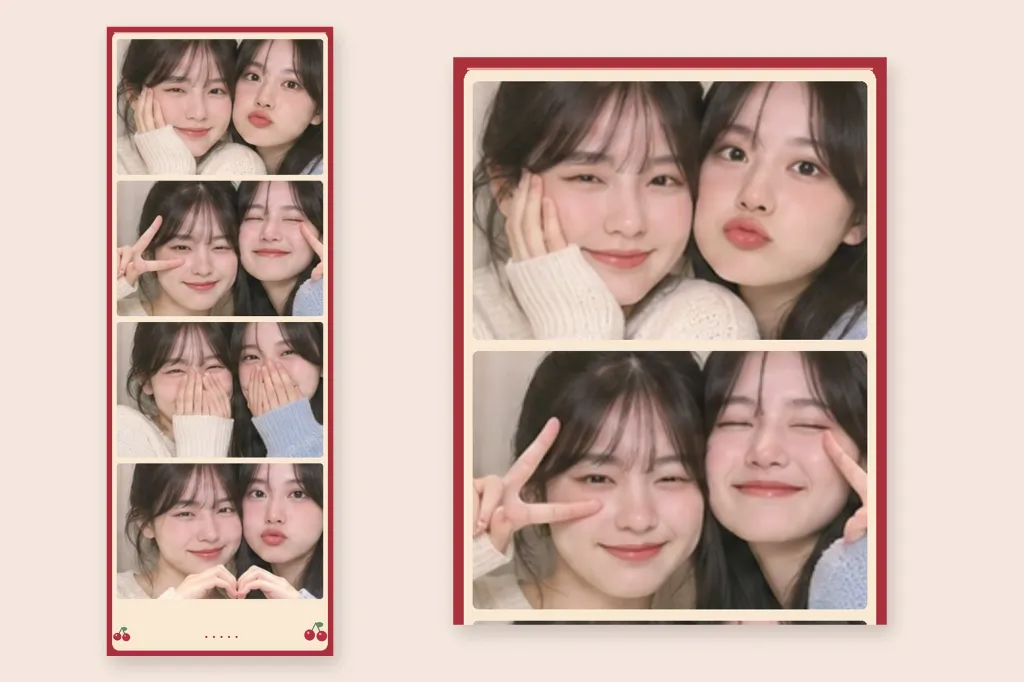
Warm cream paper and burgundy trim paired with playful cherry accents for a cheerful personality.
Keep your camera steady during the four-shot countdown and switch poses between clicks. If you blink or miss a pose on frame three, retake that single shot without losing the other three pictures you already like.
Already have four favorite selfies in your camera roll? Upload all four at once, fine-tune zoom and position for each frame, and reorder them in seconds.
Try 4-Cut Studio →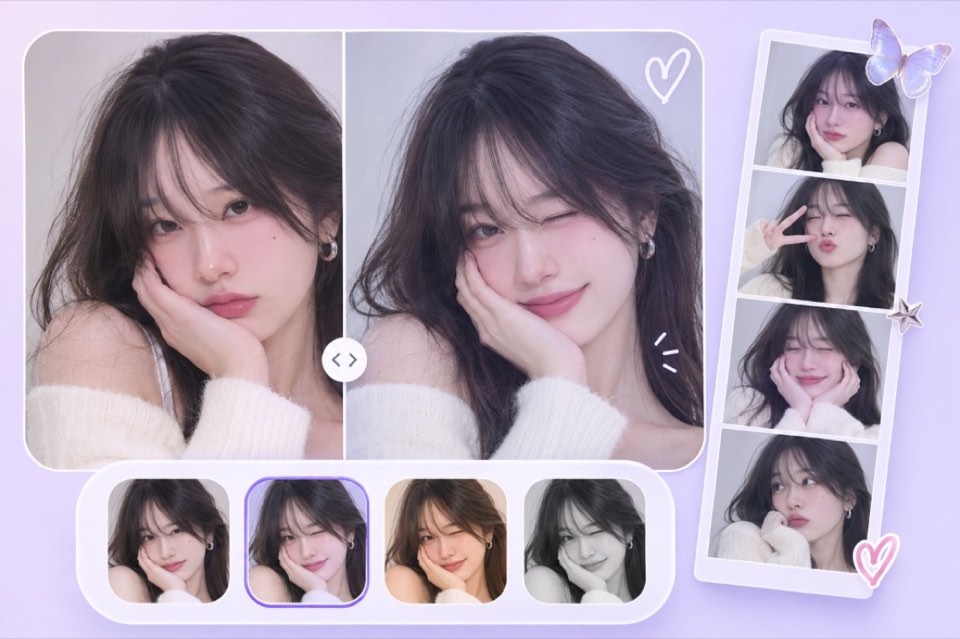
Match your frame color to your outfit, add tiny bows, hearts, or cherries, and type a custom caption or Korean date stamp at the bottom.
Export as a clean single strip, a 9:16 Story card, or a 4×6 Double-Strip Print Sheet with a center cut guide — ready to print, cut in half, and share with a friend.
Customize My 4-Cut →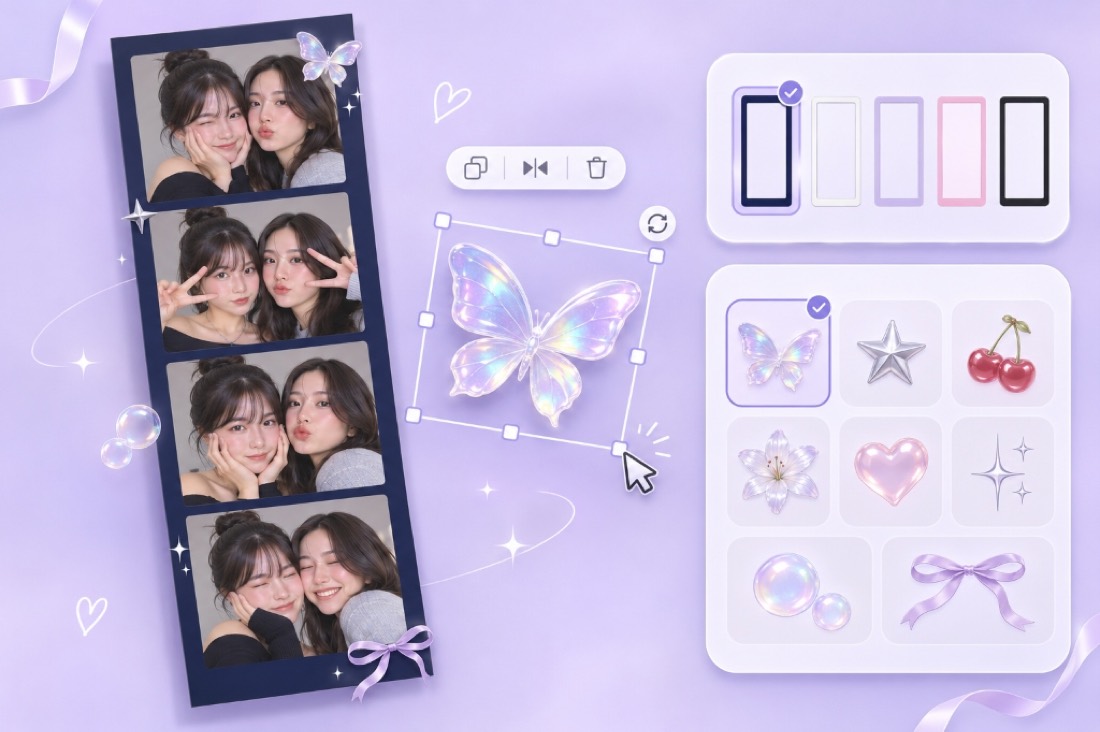
Keep your camera angle and window lighting steady while switching expression or gesture in every frame.
Apply one cohesive portrait filter across all four frames — tap any look to apply it in the studio above.

Gentle contrast and airy rosy tones for a fresh studio portrait.

Clean, slightly cool pastel colors for a light and crisp finish.

Subtle warmth and fine analog grain for a cozy, nostalgic strip.

Timeless monochrome contrast that puts all attention on expressions.
Korean 4-cut photos, known in Korea as 인생네컷 (Insaeng Nae-kut), are four portraits stacked into a single vertical strip. Popularized by self-photo studios like Life4Cuts and Photoism in South Korea, the format captures a quick sequence of expressions and turns them into a pocket-sized keepsake.
4×6 Double-Strip Printing & Social Exports: Export your finished strip as a single 2×6 strip, a 9:16 Story card for Instagram and TikTok, or a 4×6 Double-Strip Print Sheet (1200 × 1800 px) with two identical strips side by side and a subtle center cut guide — perfect to print on standard 4×6 photo paper, cut in half, and tuck into a clear phone case or share with a friend.
Independence notice: Snapatoo is an independent browser-based photo booth inspired by the Korean 4-cut format. It is not affiliated with, sponsored by, or endorsed by Life4Cuts, Photoism, or Photomatic, and all frames are original designs.
Explore other dedicated Snapatoo booths — all 100% free and processed locally.
Studio-inspired pastel frames, single-shot retakes, and 4×6 double-strip prints right in your browser.
Take four-pose strips or upload four gallery photos and download for free.
Replace just one frame without starting your entire four-cut session over.
Add your own Hangul caption, date stamp, or leave the strip border completely clean.
Export two matching Korean strips side by side with a center cut guide for sharing with friends.
Open directly in Safari or Chrome with no app download or signup required.
All four photos stay locally in your browser and are never uploaded to a server.
Yes. Snapatoo is free to use and exports clean strips with no watermark. You do not need an account, app download, or payment to take pictures and save your final image.
Yes. Your photos stay on your device and are never uploaded to a server. All camera capture, filters, and strip assembly run locally in your browser.
Yes. Select Upload 4 Photos to use pictures already saved on your phone or computer. You can arrange the order, adjust each crop, and download your finished strip.
Yes. Select any individual thumbnail below the strip to retake or replace that single shot. The other three photos stay in place so you never have to start over.
A classic 4-cut strip stacks four pictures vertically in one column, while a 4-photo grid arranges them in two rows and two columns. Both hold four images, but their shapes and print proportions differ.
Yes. Share the same camera and leave room for both faces in the live preview. Use the 3s, 5s, or 10s countdown timer to change poses together between each shot.
Yes. Choose the 1200 × 1800 (4×6 Double-Strip Print) option in Export to place two identical strips side by side on standard 4×6 photo paper with a center cut guide, then cut down the middle for two clean strips.
No. Snapatoo works directly in iPhone Safari, Android, and desktop browsers with no app to install. Camera mode only asks for browser camera permission, while upload mode needs no camera access at all.
No. Snapatoo is an independent browser-based photo booth inspired by the Korean 4-cut studio style. It is not affiliated with, sponsored by, or endorsed by Life4Cuts, Photoism, or Photomatic, and all frames are original designs.
Check that your browser has permission to access your camera and close other apps using it. Inside Instagram or TikTok in-app browsers, tap Open in Safari or Chrome. You can always use Upload 4 Photos instead.