Frequently Asked Questions
How do I make a photo strip from existing photos?
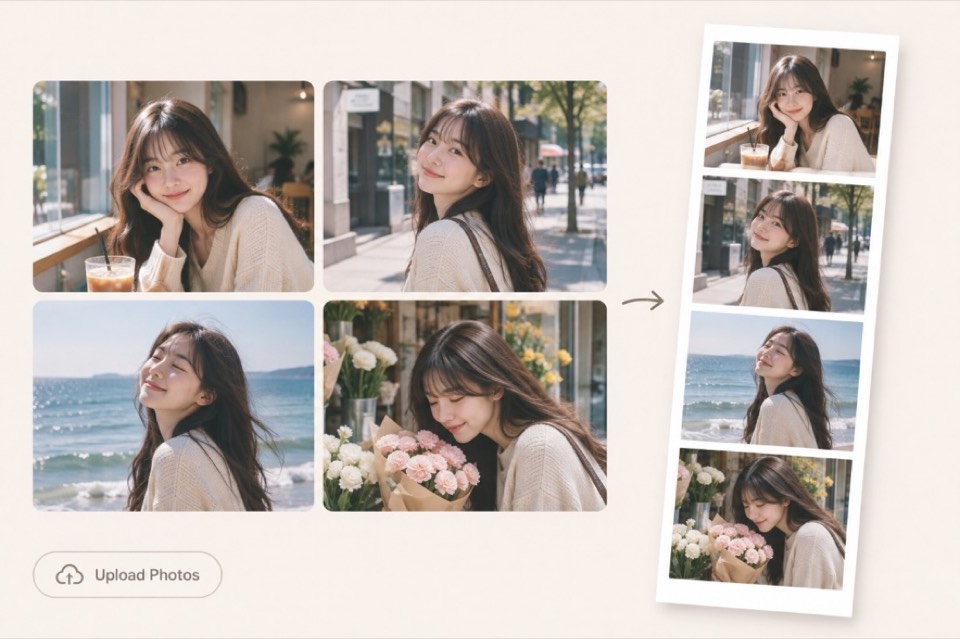
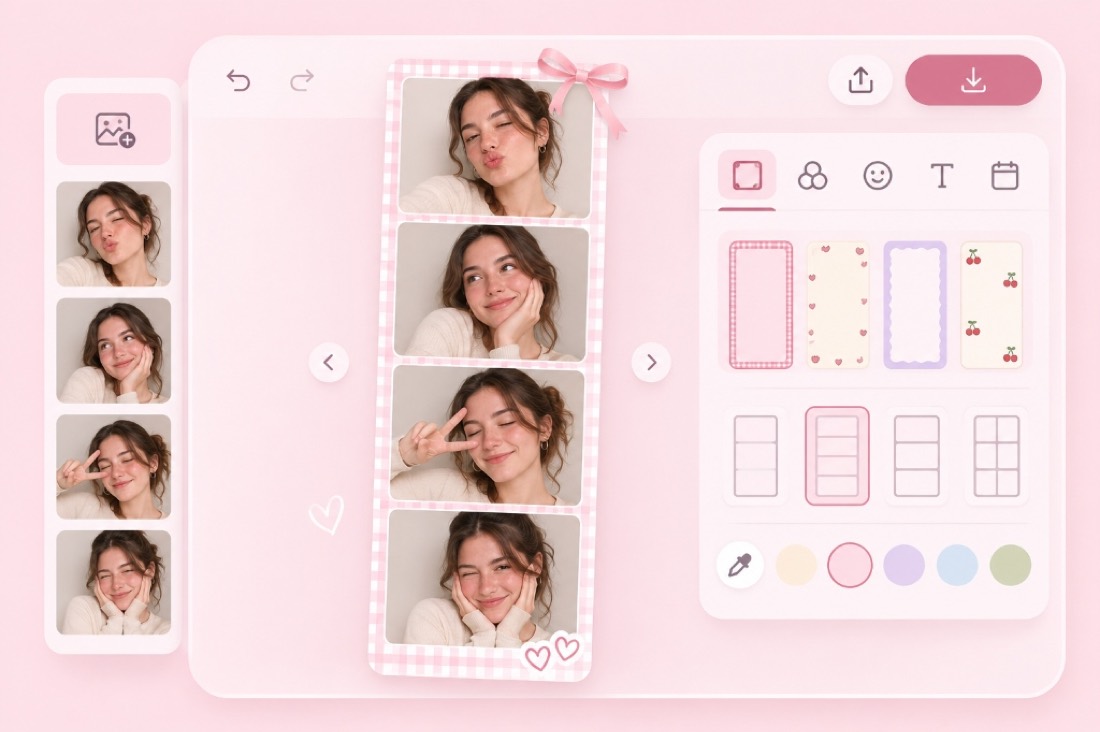
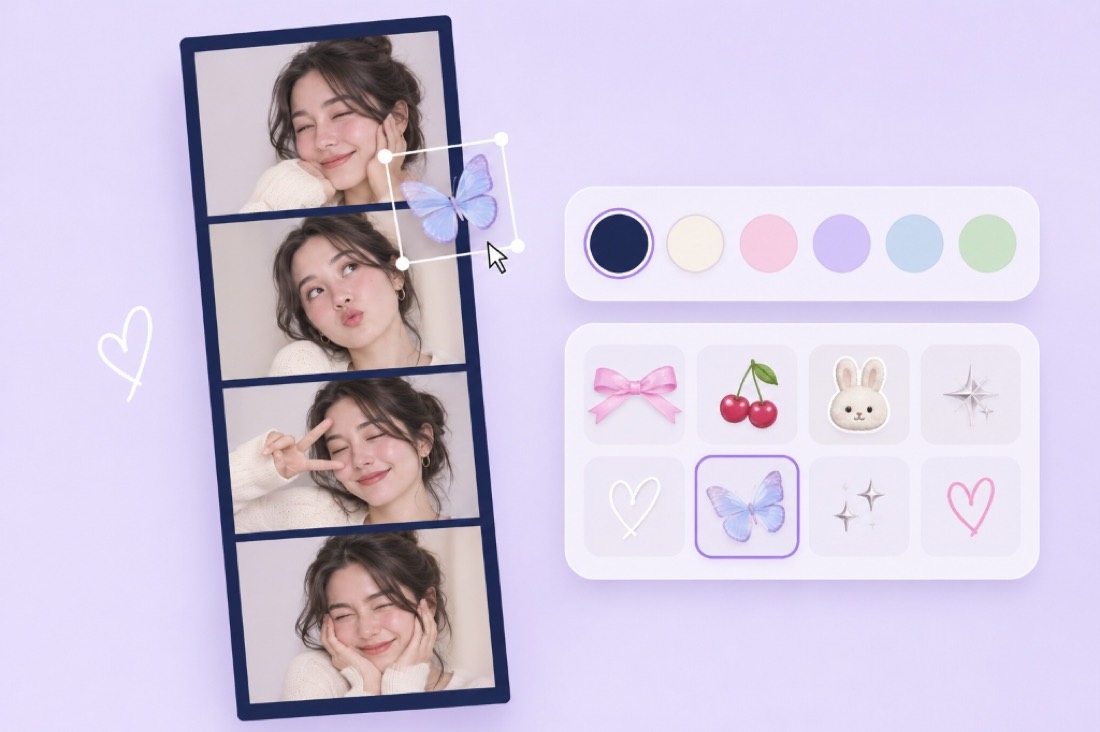
Upload your pictures to Snapatoo, choose a strip layout, and arrange them in your preferred order. Adjust each crop, choose borders or filters, and download your finished photo strip.
Can I make a photo strip without a photo booth or webcam?
Yes. You can make a photo strip entirely from pictures stored on your phone or computer. Camera access is not needed for the upload workflow.
Is the online photo strip maker free?
Yes. You can make photo strips and download standard-resolution PNG or JPG images for free, without signing up or paying to remove a watermark.
What is the standard size of a photo booth strip?
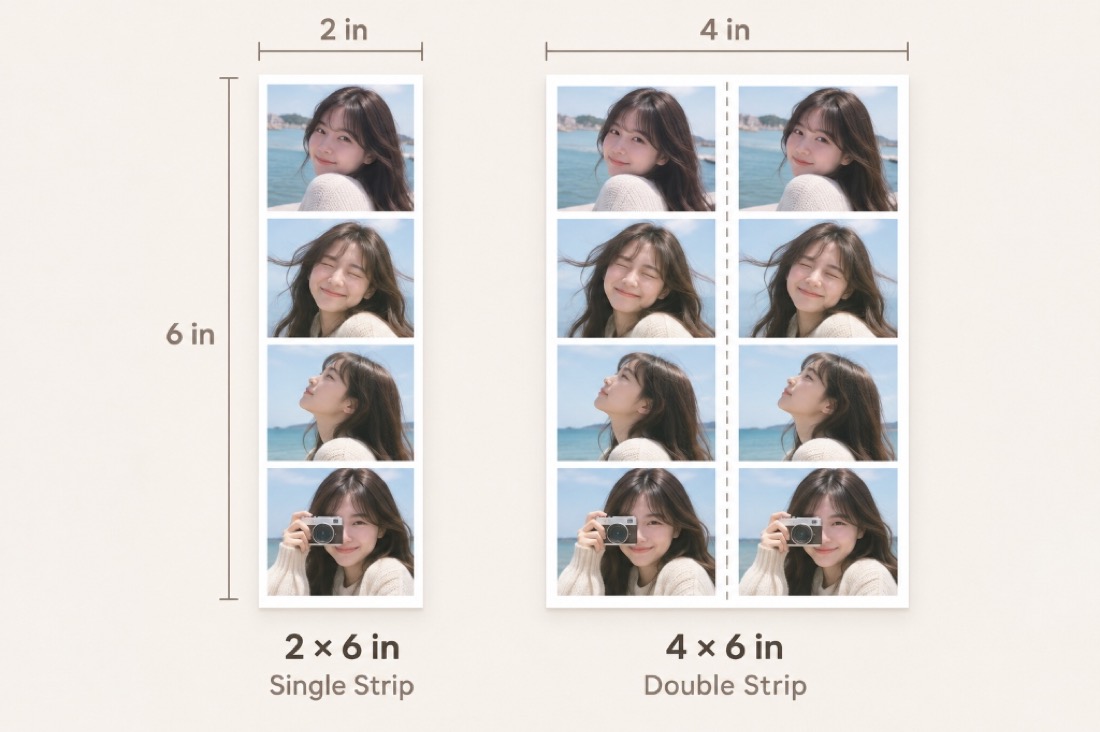
A common photo booth strip size is 2 × 6 inches, or a 1:3 aspect ratio. At 300 PPI, that corresponds to an image measuring 600 × 1800 pixels. Actual booth print formats can vary.
How many photos fit in a photo strip?
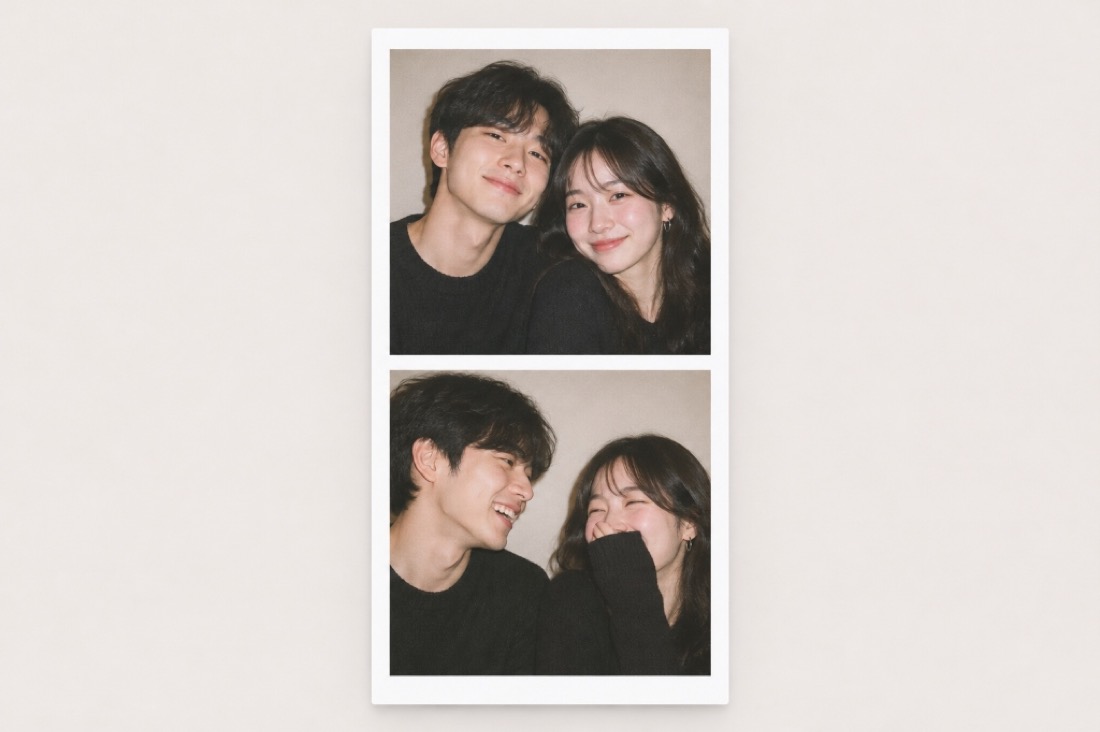
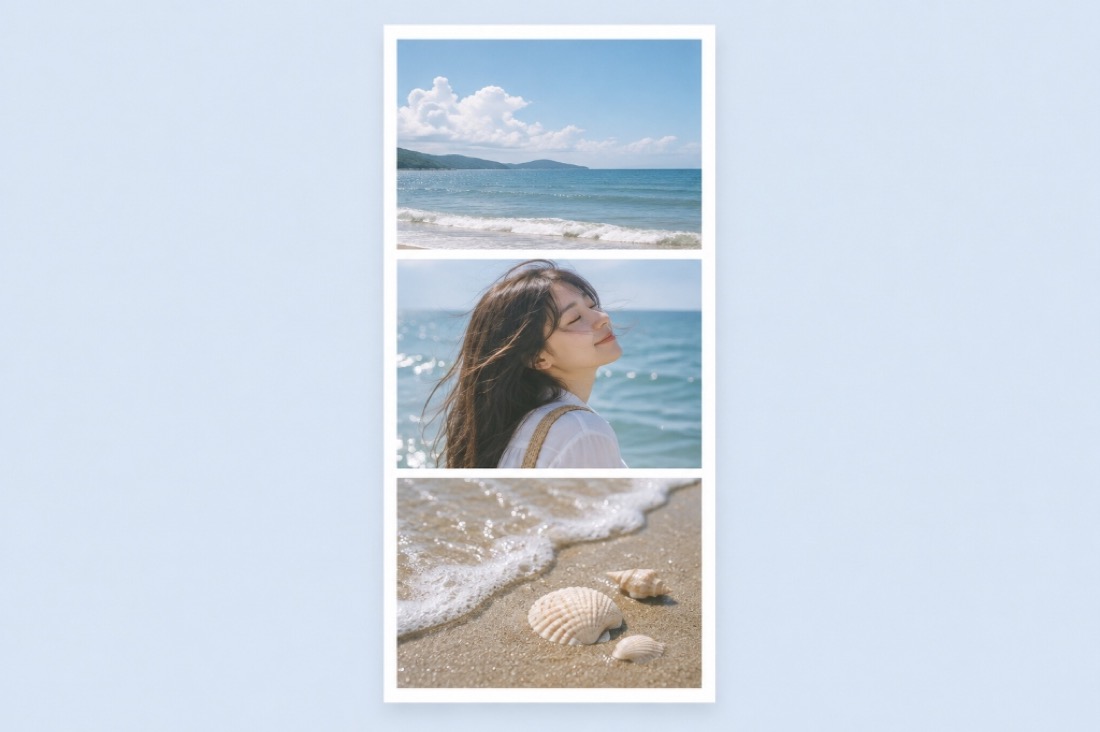
A classic strip often contains three or four photos, and a compact two-photo strip is also available. The available space in each photo window depends on the strip size, borders and spacing.
How do I print photo strips on 4 × 6 paper?
Place two 2 × 6-inch strips side by side on a 4 × 6-inch sheet using the 4×6 Double-Strip export preset. Check that the print preview preserves the intended size, print the sheet, and cut along the center. Allow for printer margins if needed.
Can I make photo strips on my iPhone?
Yes. Open Snapatoo in a compatible iPhone browser, upload pictures from your photo library, and edit them without installing an app. Camera permission is not required.
How do I save a photo strip to my camera roll?
Download the image on your phone. On iPhone, you may need to open it from Downloads or the Files app and use the Share menu to save it to Photos. On Android, check Downloads or your gallery. Exact steps depend on your browser.
Can I download a photo strip with a transparent background?
Yes. Choose the transparent background swatch and export as PNG to place your finished strip over another design without an opaque outer background. The photos remain visible inside the strip; this is not the same as downloading an empty frame template.
What is the difference between a photo strip and a Polaroid-style photo?
A photo strip arranges several pictures in a narrow sequence. A Polaroid-style picture usually places one image inside an instant-film-inspired frame with a wider bottom border. Try our online Polaroid maker for that look.